
At a Glance
Objective
- Students will identify and describe the 6 core components of a personal computing system and classify each as primarily Input, Output, Storage, or Processing.
- Students will conduct guided research using AI synthesis tools (NotebookLM or a chatbot) while maintaining source-tracking habits and evaluating whether AI-generated summaries are accurate.
- Students will collaborate in a small group to synthesize independent research into a shared, presentable explanation, and demonstrate understanding by teaching it to a peer.
- Topics Covered
- computer hardwarecomputing systemsresearchcollaboration
- Subjects
- Computer Science
- Related Courses
- Intro to Software TechIntro to Hardware Tech
- Type of Lesson
- jigsawgroupresearch
Related Unit(s)
Lesson Plan Notes What's Actually Inside Your Computer? (A Hardware Components Lesson)
When I was asked to teach computer science, I knew I was not a hardware girlie. Nowhere near one. I consume hardware, configure it, and move on so I can write the software needed for the applications (usually web applications) I’m building. Before teaching this unit, I knew I’d have to learn a lot myself, and honestly, I wasn’t looking forward to it. I’ve never built a computer and never cared much about its components. Even peripherals were not my jam. Once I have headphones that work and a mouse and keyboard that travel well, I’m ready to work anywhere. I suspected a good portion of my students were the same way; they used computers but had no clue what was going on inside or how their interactions were processed or stored.
Rationale for this Lesson
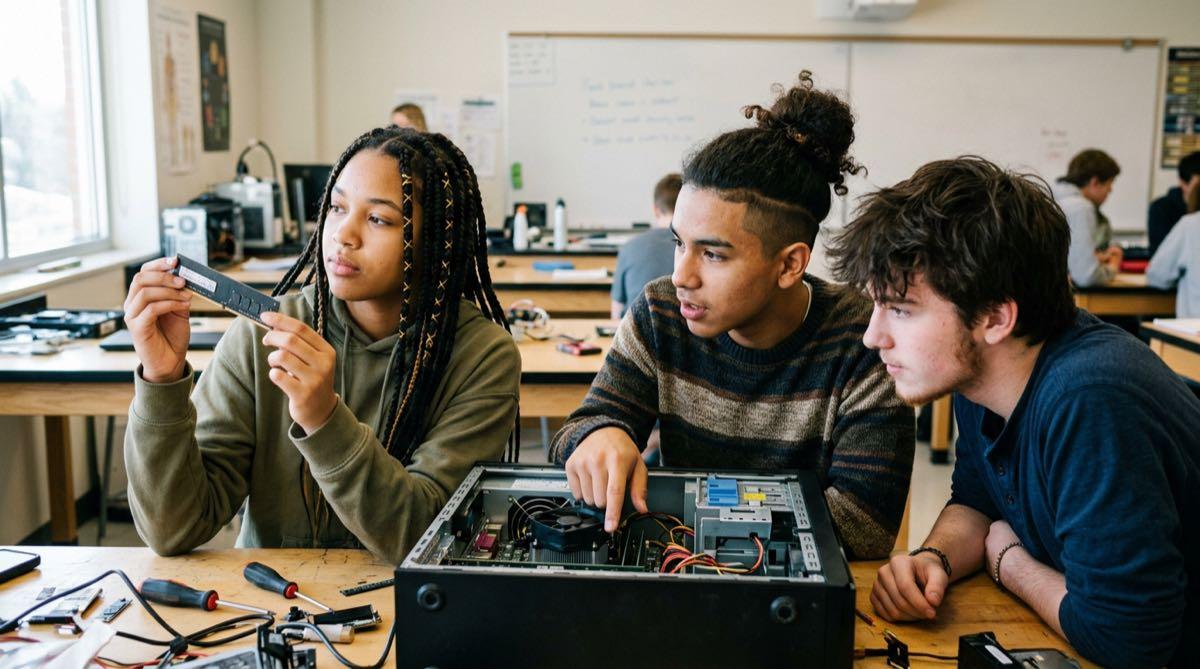
In this lesson, we acknowledge and embrace the fact that most of us use computers all the time without ever seeing what’s physically inside them. In my classroom, I pass around an upcycled motherboard so students can peek under the hood and get a tangible sense of computer parts. As we dive deeper into what the parts connected to the motherboard do, we break the research up by component and have students present by the end of class. In this lesson, I let students use Notebook LM after initial research because it’s a good opportunity to introduce a new tool and show that AI tools are legitimate research aids, but a human still needs to verify and explain the output. This lesson is foundational for the unit. In the rest of the unit, we’ll practice and dive deeper into these parts and how they interact.
What the lesson actually is
- Groups Assigned: Split your class into small groups (3-5 students), and assign each group one of 6 components — Motherboard, CPU, RAM, Storage/Hard Drives, Graphics Card/GPU, or Peripherals. Some students building computers at home may prefer a specific component. In that case, I let those students choose the part they wanted because I could see they had passion or first-hand insight into the component that could be valuable for the group and the class as a whole. When a student wants to learn, share, and contribute, I like to nurture that desire.
- Research: Research happens in two passes — first a printed, analog, individual worksheet (devices for lookup only, no typing), then a group NotebookLM/chatbot synthesis pass that builds a 5-slide recap deck, one slide per research sub-question. This is intentional; more on that below.
- Present Findings: The activity closes with Share & Present — each group explains their component to at least one other group, which doubles as the comprehension check. It’s also a good opportunity for the teacher to gauge understanding and hold classmates responsible for listening and thinking about how this part may relate to the part they researched.
Why the “verify before you trust it” step matters here
As a teacher, I’ve decided to include AI strategically in lessons and completely avoid it at other times. In this lesson, I thought it genuinely useful to include NotebookLM for synthesizing existing research sources.
- Use AI to Make a Recap: Students are told to ask NotebookLM/the chatbot to recap at a 6th-grade level and generate slides directly from it — which can look polished but still be wrong or oversimplified.
- Review the Output: The worksheet builds in a mandatory review step before slides are finalized — students initial each slide once they’ve checked it against their own printed research, so the habit being taught isn’t “use AI” or “don’t use AI,” it’s “verify what AI gives you before you present it as fact.”
- Underlying Sources Always Matter: This ties directly to the in-context sourcing discipline I try to instill in all my resources. NotebookLM is not a source; the underlying source domains are. Especially when output is unclear, incomplete, or inaccurate, we still need to do the legwork of reading and understanding the actual original sources.
What I look for when I grade it
This leads to the grading rubric. For something like this, I prefer to grade on the spot as groups present. I like to have a clipboard to write notes and mark points. Here’s how I would break things down.
- Research Worksheet (25 pts) - Every field needs a real, specific in-context source, not “Google” or “NotebookLM,” plus a justified Input/Output/Storage/Processing call rather than a guess.
- NotebookLM/AI Synthesis & Slides (25 pts) - All 5 slides present and each verified/initialed against the student’s own research, no unverified AI claims left standing.
- Collaboration (25 pts) - Looking for individual engagement across the group’s worksheet and slide contributions, not one student carrying the whole group. This also goes for paying attention during other students’ presentations. A student in the audience could lose points for talking during another group’s presentation.
- Share & Present (25 pts) - Did each student have a speaking part? Can they actually explain their component’s role in their own words to a partner group, not just read off the slide?
Where this goes next
This lesson feeds directly into Diagram the IPOS-C Flow. You can’t trace how data moves between components without first knowing what the components are and what they do!